HTS / Game server hosting

Game server hosting Built on HTS infrastructure

Your world, your mods and your community. Try the infrastructure for 24 hours, then choose the plan that fits your server.

One test per account. Keep your save when you continue with a plan.

Meet the infrastructure

24-hour trial

Your world. Your server. Try it for 24 hours

Create a Project Zomboid or Minecraft trial on HTS. Verify your email, explore the panel and keep the same world when you choose a plan.

Create my trial server One trial per account · no card required

01Choose your next world

What are we playing?

One destination for your game and your community. Start with an available game or follow what is coming next.

Persistent worlds, Workshop mods, our own hardware.

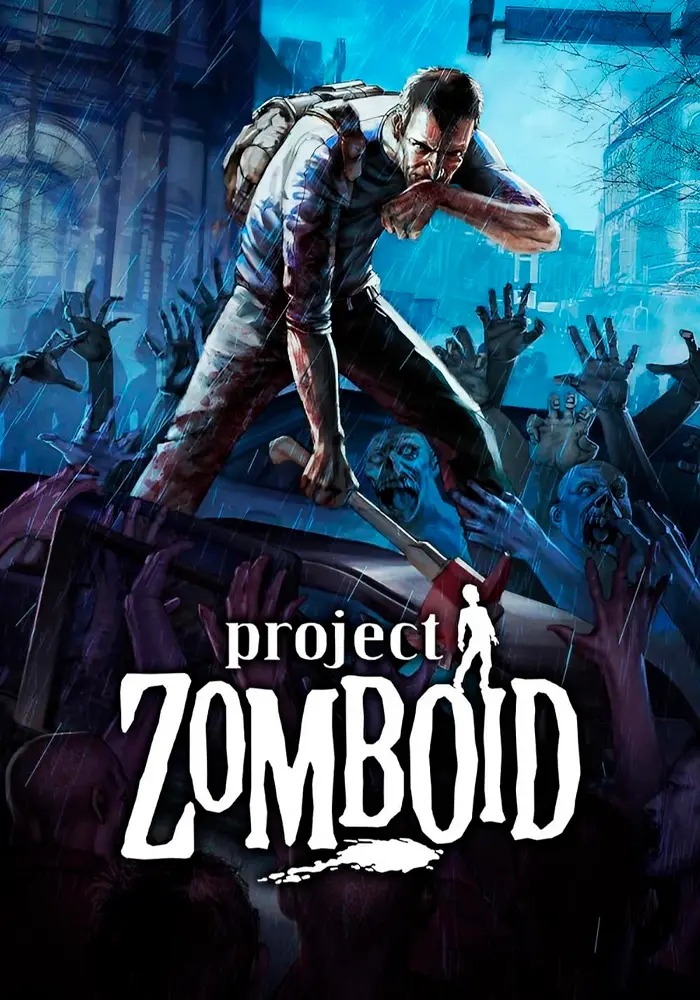
Project Zomboid

Dedicated Project Zomboid servers with Build 41 and 42, a Workshop Manager that resolves mod IDs for you, backups, console and file access, and a deploy that runs from payment to a running world without a ticket.

From$ 7.99/ month

8 configurations · 4–16 GB RAM

Explore the plans
Java or Bedrock. Choose an available server setup.

Minecraft

Try Minecraft on HTS for 24 hours. Choose Java or Bedrock, then an available server variant and version. Software and versions depend on the approved profiles available for deployment.

24-hour test6 GB RAM

25 GB · NVMe storage

Start a 24-hour test

02The right space for your group

Room to start. Room to grow

Compare RAM, CPU allocation, storage and backups. Choose the resources that make sense for the world you want to build.

Outpost

4GB RAM

CPU allocation
300%
NVMe
25 GB
Backups
1
Monthly plan

$ 7.99/ month

Explore this plan

Knox County

16GB RAM

CPU allocation
700%
NVMe
40 GB
Backups
10
Monthly plan

$ 25.99/ month

Explore this plan
Project ZomboidCompare all plans

04Less friction. More time in game.

The tools your world needs

World files and restore points, Workshop mods and resource controls. The tools for running your server, organized in one place.

01 / Your world

A world that stays yours

Manage world files and restore points from the panel. Backup capacity follows the plan you choose.

Explore the panel
02 / WORKSHOP

Your mods, without the detour

Find Workshop mods and prepare your load order through the management tools, with changes applied on restart.

STEAM WORKSHOP
03 / Selected plan

From a plan to your own server

Choose your configuration, review the order and follow provisioning after payment. Each step has its place.

Explore plans and pricing
The HTS rack and its installed servers
The HTS infrastructure

05Behind every world

Real infrastructure. A closer look

See the HTS rack and the specifications of our machines. The capacity of each plan is listed separately, so you know what you are choosing.

Processor
Intel Core i9-10980XE
Memory
256 GB
Storage
5 TB NVMe
Network
1 GbE uplink
Meet our infrastructure

06 FAQ

Before you
commit a world

Still deciding whether the platform fits your community? Start here, then talk to us about anything this does not cover.

Ask us directly

Yes. Steam Workshop items and standalone mods can be added from the control panel, which keeps the Workshop and mod identifier lists in sync for you. Load order stays editable, so you can reorder or disable an item without rewriting server configuration by hand.

Server builds are handled as configurable environments rather than one fixed version, so an instance can be pointed at the build your community plays. As Build 42 stabilises we will publish exactly which builds are selectable at launch.

That is the core of the product. Power actions, resource usage, live console output, configuration and file access are all designed to live in a single web panel that works on desktop and on mobile.

Yes. Start, restart and stop actions are available from the panel at any time, and scheduled restarts can be configured so your world resets on a rhythm that suits your community.

Deployment is an automated pipeline. Once a server is created the platform reserves capacity, installs the game files, applies your configuration and reports back when health checks pass, without manual intervention.

Eight tiers, 4 GB to 16 GB of memory. Storage is 25 GB up to the 6 GB tier and 40 GB from 8 GB up. The prices are not eight separate decisions: each one is a published rate card - CPU, memory and NVMe - applied to what that tier actually ships, so a plan cannot be repriced without repricing what it is made of.

Bringing an existing world across is a supported goal for launch. The intended flow is to upload your current save and configuration, then validate the world on the new instance before you point players at it. Talk to us about your setup and we will confirm the details.

Your next chapter starts here

Find the right configuration

Compare the plans or talk to HTS about the resources your community needs.

Choose my server
Something went wrong on our side. Reload 🗙